
Onboarding (macOS App)
Onboarding (macOS App)
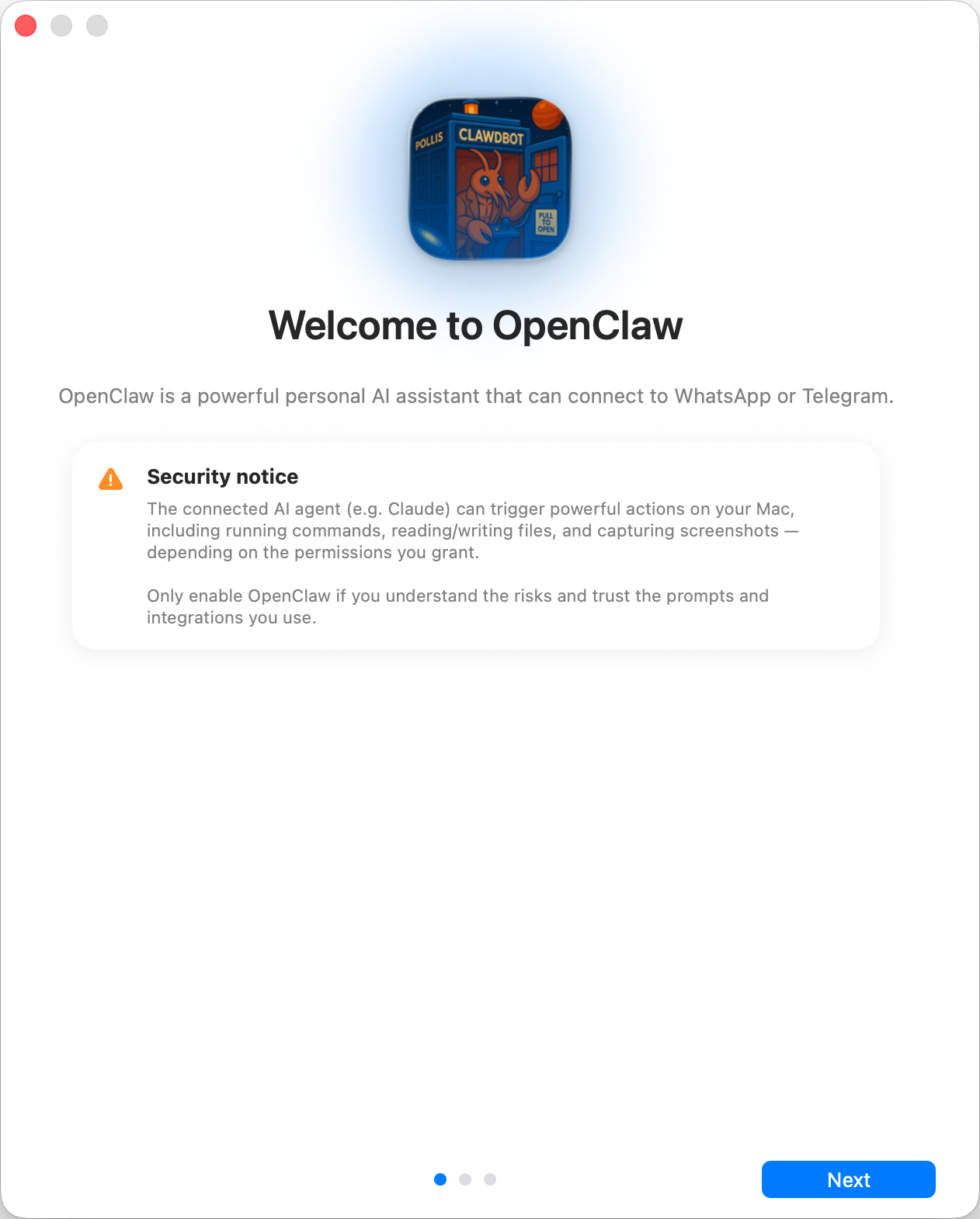
Section titled “Onboarding (macOS App)”This doc describes the current first‑run onboarding flow. The goal is a smooth “day 0” experience: pick where the Gateway runs, connect auth, run the wizard, and let the agent bootstrap itself. For a general overview of onboarding paths, see Onboarding Overview.
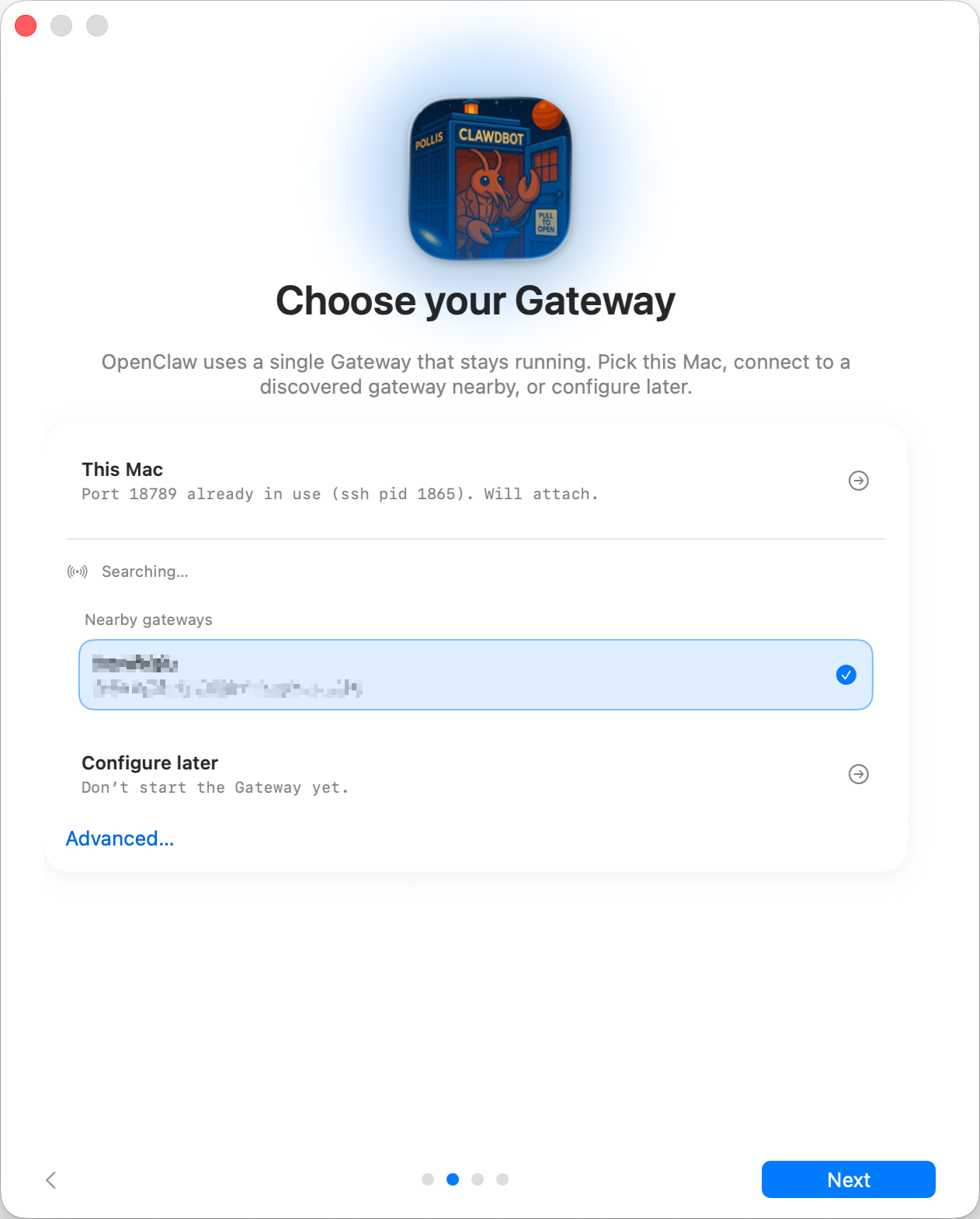
Where does the Gateway run?
- This Mac (Local only): onboarding can run OAuth flows and write credentials locally.
- Remote (over SSH/Tailnet): onboarding does not run OAuth locally; credentials must exist on the gateway host.
- Configure later: skip setup and leave the app unconfigured.
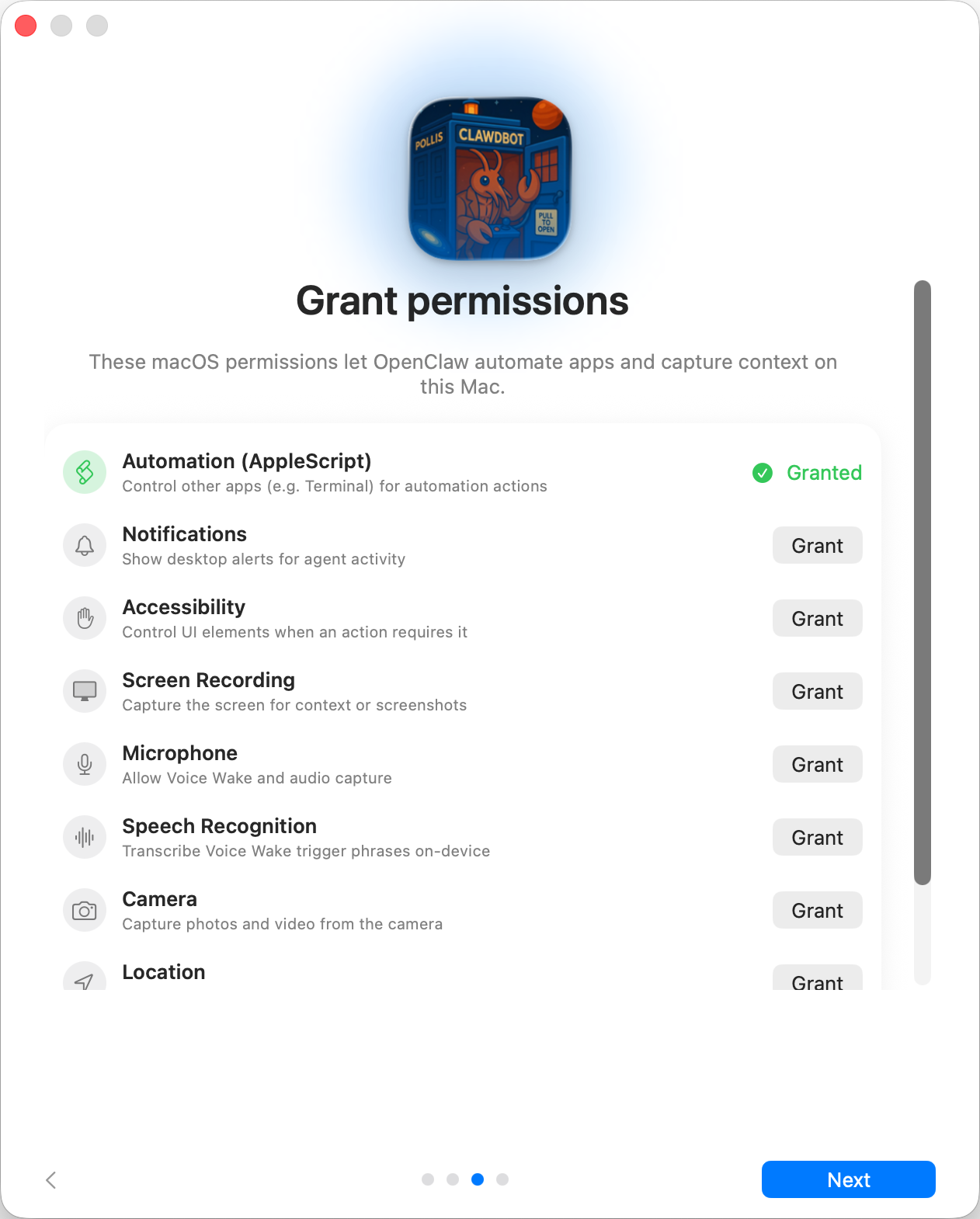
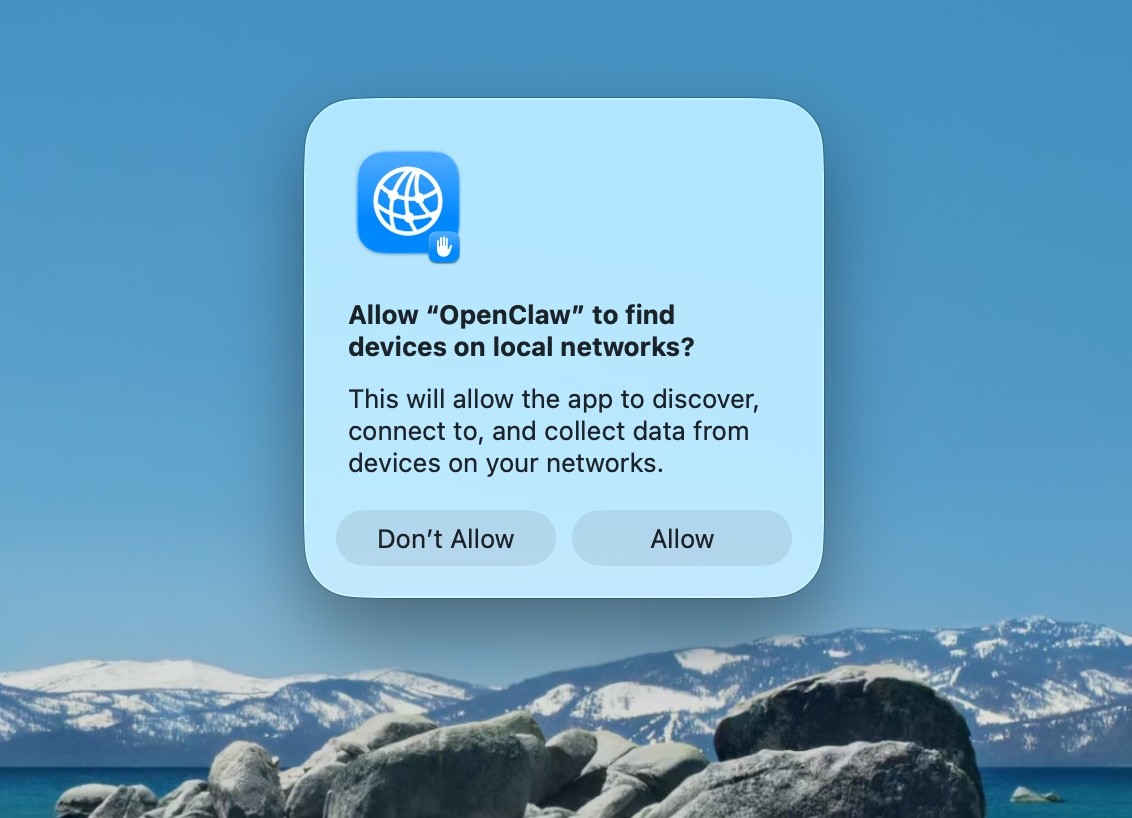
Onboarding requests TCC permissions needed for:
- Automation (AppleScript)
- Notifications
- Accessibility
- Screen Recording
- Microphone
- Speech Recognition
- Camera
- Location